# Open Boundaries in Google Earth
‘Open Boundaries in Google Earth’ allows you to export your boundary lines to Google earth.
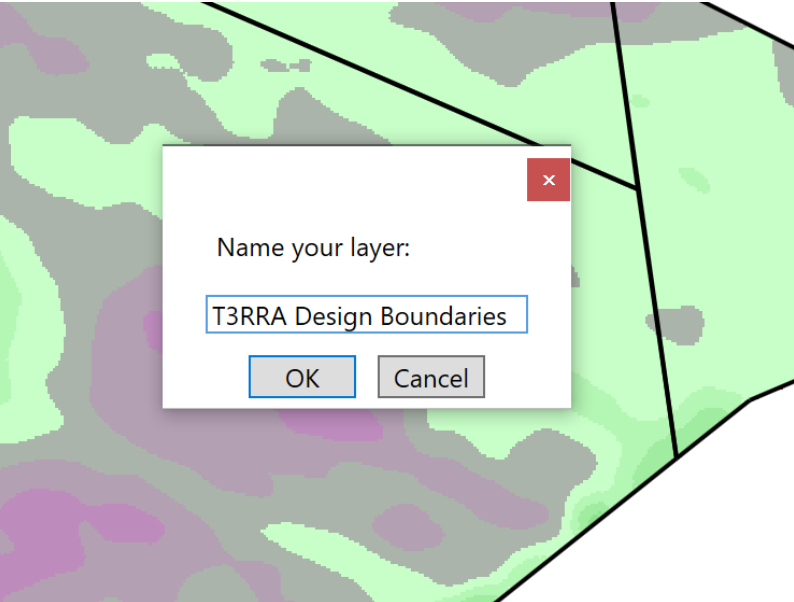
When the tool has been selected to export your boundary lines a pop-up window will appear. In this pop-up window the layer that is being exported can be named. Once the layer has been named press ‘OK’ and the layer will be exported to Google Earth.