# Fill Depressions
‘Fill Depressions’ creates a design surface with the largest indentations in the field filled in.
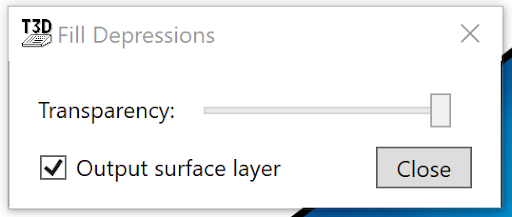
A pop-up window will appear allowing you to change how transparent the fills are on the field as well as a checkbox that will allow you to select whether you would like a surface layer to be created from this tool or not.
NOTE: To find total depression area, fill depressions, then create a cut/fill surface, with the new filled depression surface and the original. In the stats part of the cut/fill window, it will tell you the total area and the fill area - that’s all you need!