# Combine Surfaces
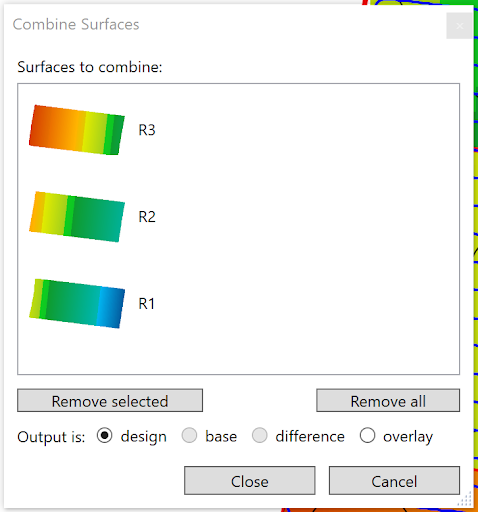Combine surfaces allows you to combine multiple elevation and design surfaces into a single layer. This tool can be used to:
- Combine multiple surveyed fields into a singular layer for a full farm view
- Combine separate region’s designs into a full design
- Combine a (possibly filtered) difference or cut/fill layer with an elevation surface.
Drag the layers you wish to combine into the pop-up window. Select what type you want the output layer to be before closing the tool.
NOTE: If there are any overlapping areas in the selected layers, it will pick the topmost in the list for the result.