4.5 | Configuring Valve Outputs
The Valve Configs page is used to set up the control output interface for each control function.Appropriate signals of that interfacetype are then generated when automatic or manually controlling the implement. External joystick inputs are also configured on this page when making use of an analog or J1939 CANBUS joystick.
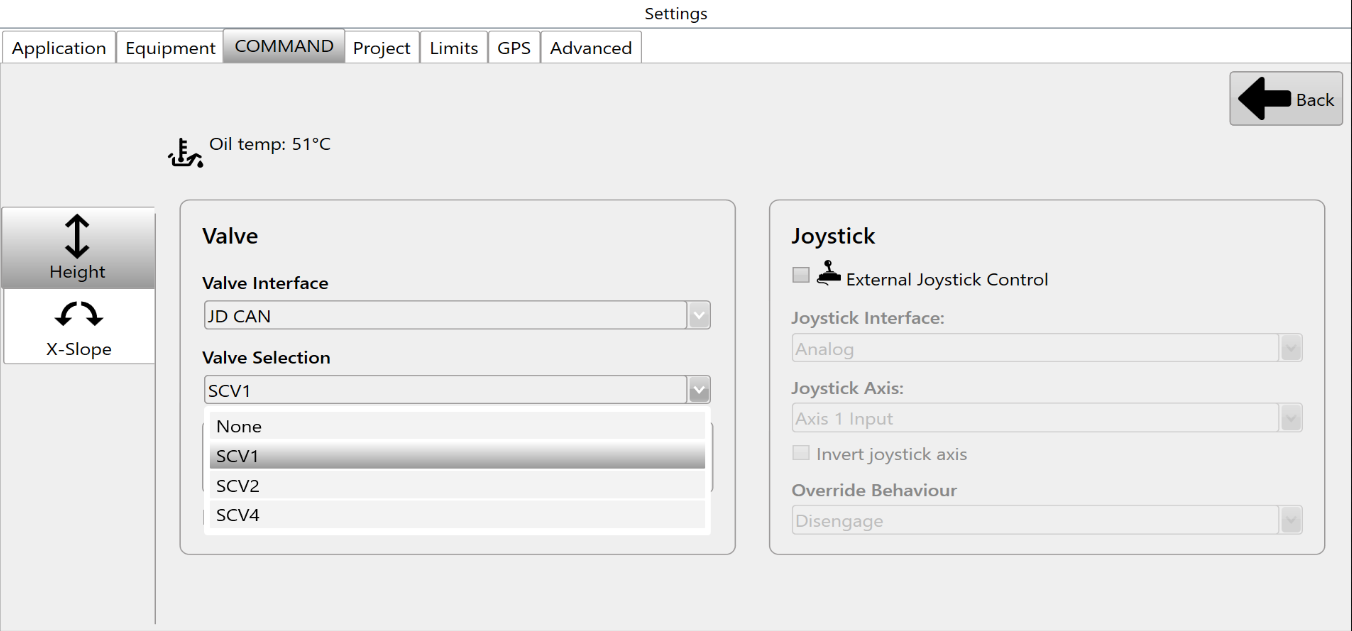
At the top left corner of the screen, buttons will be shown if there are two available control functions. If using a Height control only machine profile, only the Height page is displayed.
Selecting the Valve Interface
Select the appropriate Valve Interface for the tractor, machine or external valves being used for that function. To begin with, set the desired Valve Interface type for the Height control function.
Different Valve Interface selections display different Valve Number selections depending on how they work - for more information please see the section in the COMMAND manual.
Selecting the Valve Number
When selecting Valve Interface options like JD CAN, J1939 and Fendt ONE will only display valve numbers that have been detected on the ISOBUS or machine CANBUS.
Once detected on the ISOBUS or machine CANBUS, any available SCV / Remote / Auxiliary valve selections will be displayed in the Valve Selection list as shown:
Analog valve interfaces such as Proportional Solenoid and PWM to 0-5V always display all available Valve Selection options. Valve signals for these selections generally rely on harnessing to connect the outputs of the COMMAND ECU to the proportional solenoid or laser system inputs.
Valve Status
Valve Status provides information on the current status of the selected Valve Interface and Valve Selection. The table below explains each of the different possible valve statuses that may appear:
| Status | Description |
| Valve Unavailable |
The selected valve is not available for use.
|
| Waiting for Manual SCV Input |
Move the SCV lever corresponding to the selected SCV - this must be done when using John Deere tractors.
|
| Short to Ground |
An overload has been detected and the resistance between the valve signal output pin and ground is near-zero, holding the output low.
|
| Short to Batt |
An overload has been detected and the valve signal output pin is being fed power from another source holding the output high.
|
| Open Load |
A connection or valve issue has been detected, and the resistance between valve signal output pin is too high, indicating a broken wire or valve solenoid/coil.
|
| SCVs Locked |
The SCVs must be unlocked using the console SCV padlock button.
|
| System Not Armed |
The COMMAND Arm/Engage switch must be armed or re-armed.
If the Arm/Engage switch is currently Off:
If the Arm/Engage switch is currently in the middle position:
|
| Ready |
The selected valve is currently not active and the ECU is ready for automatic control or manual control commands for that function.
|
External Joystick Setup
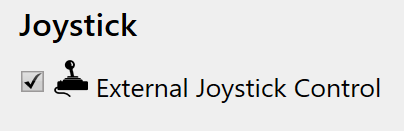
Selecting the Joystick Interface
Select the appropriate Joystick Interface for the Height function, depending on the joystick being used:
- If using an analog voltage based joystick, select "Analog"
- If using a J1939 CANBUS based joystick, select "J1939"
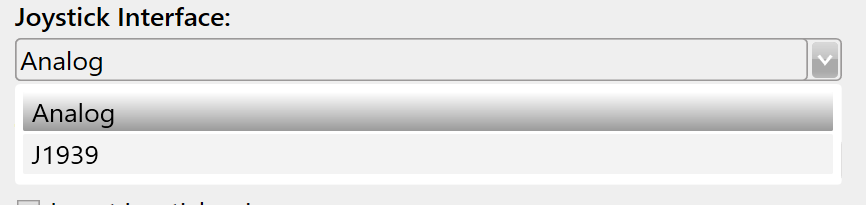
Selecting the Joystick Axis (Analog)
Next, select the appropriate Joystick Axis. For the Analog interface, Axis 1 is intended for the joystick Y-axis, Axis 2 is intended for the joystick X-axis and Axis 3 is intended for the joystick Z-axis if present.
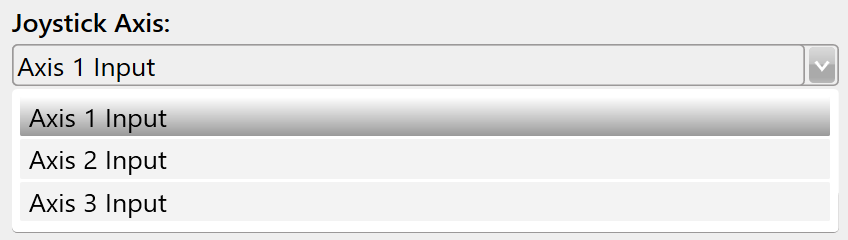
Selecting the Joystick Interface (J1939 / CAN)
For the J1939 interface, select the joystick axis to be used for the function, e.g. Y-axis for manual height control.
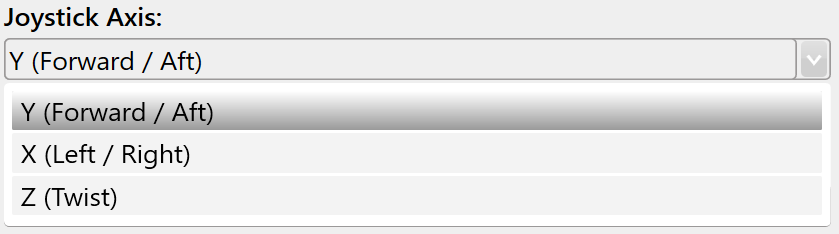
Swapping the Joystick Axis' Control Direction
If moving the joystick in a certain direction causes the wrong physical movement direction, the axis can be inverted using the Invert Joystick Axis tick box.

Selecting the Override Behaviour
Lastly, select the desired Override Behaviour for the function:
- "Disengage" will cause any joystick movement to disengage automatic control mode, requiring the operator to press the engage button again to resume automatic control.
- "Momentary Disengage" will cause any joystick movement to only momentarily disengage automatic control mode. Once the joystick is no longer being moved, COMMAND will resume controlling the implement automatically.
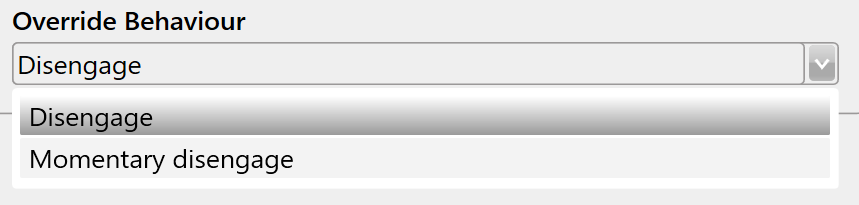
Regardless of Override Behaviour selection, COMMAND will always prioritise joystick/manual control signals over automatic control signals to maintain full operator control of the implement.