7.4 | Updates & Release Management
The Update/Changelog page allows you to keep Level COMMAND up to date and review changes introduced in each software release.
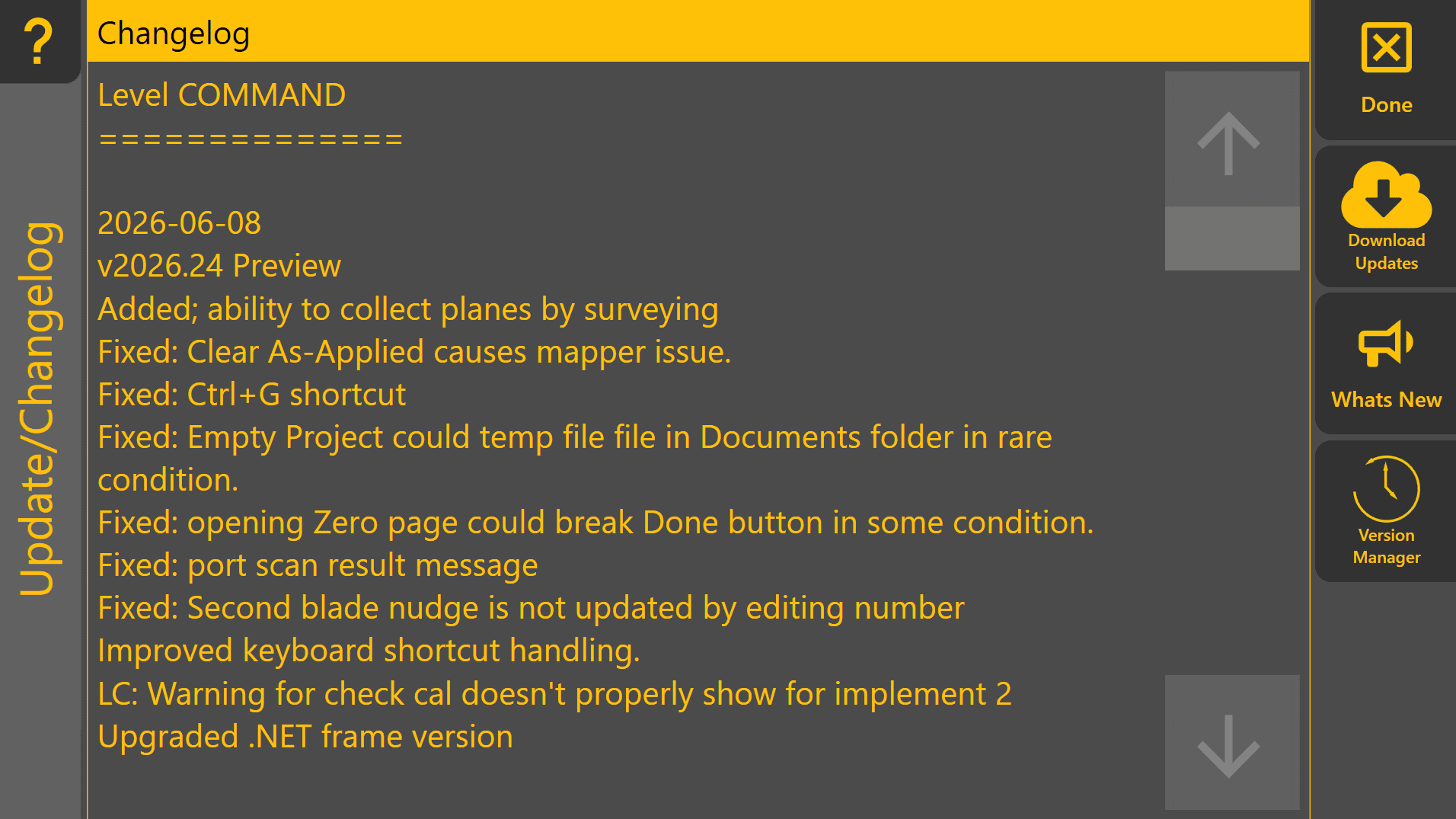
Keeping the software current provides access to new features, performance improvements and bug fixes. However, if the system is operating reliably during an active project, consider postponing updates until the project has been completed.
Changelog
The Changelog displays the release notes for the currently installed version of Level COMMAND.
Reviewing the changelog allows operators and dealers to understand what has changed between software versions, including new features, improvements and resolved issues.
 Download Updates
Downloads and installs the latest available version of Level COMMAND.
An active internet connection is required.
Before updating, ensure the machine is not actively being used for production work.
 What's New

Displays the release notes for the latest available software version before installation.
This allows you to review new features, improvements and resolved issues when deciding whether to update.
 Version Manager
The Version Manager allows previously installed versions of Level COMMAND to be restored if required.
Rolling back to an earlier version should generally only be performed for compatibility purposes or under the guidance of T3RRA Support.
If a previous version is required due to unexpected behaviour after an update, consider submitting a diagnostic report so the underlying issue can be investigated.
Unable to Check for Updates
If Download Updates or What's New cannot be accessed:
- Verify that an internet connection is available.
- Confirm that any firewall or network restrictions permit access to the update service.
- Refer to 8 | Diagnostics & Troubleshooting if the problem persists.