5.5 | Pre-designed Projects & Data
Pre-designed Projects allow Level COMMAND to grade using surfaces that have been created outside the application. These projects are typically prepared by a dealer, surveyor or designer before being transferred to the machine.
Compared with Plane Projects, imported projects can contain significantly more information, including surveyed terrain, finished design surfaces, boundaries, linework, markers and benchmark locations.
Preparing Design Data
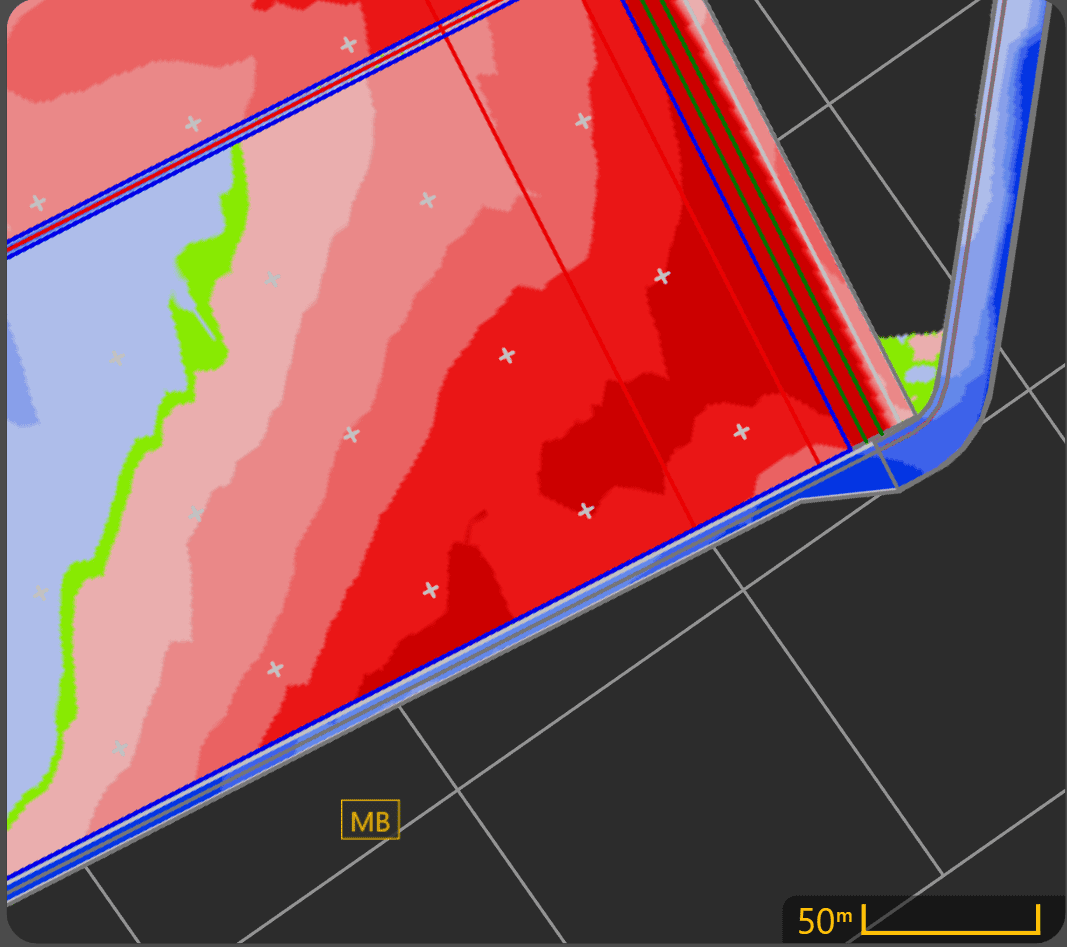 Before importing a project, verify that the supplied design includes the information required for the intended grading operation.
Where possible, imported projects should include:
- A finished design surface.
- One or more Benchmark Markers for zeroing.
- Boundaries where appropriate.
- Linework or other design features if required.
Benchmarks should be placed in locations that:
- Can be reached safely by the machine.
- Are unlikely to be disturbed during construction.
- Provide sufficient room to accurately position the implement during zeroing.
Following these practices makes future verification and re-zeroing significantly easier.
Supported File Types
At the time of writing, Level COMMAND supports importing T3RRA project files:
| File Type | Description |
|---|---|
| .tci | T3RRA project file containing one or more design surfaces and associated project data. |
Additional import formats may be supported in future software releases.
 Loading an Existing Level COMMAND Project
To load an existing Level COMMAND project:
- Press More → Load Project.
- Select the desired project.
- Press Load.
The selected project immediately becomes the active grading project.
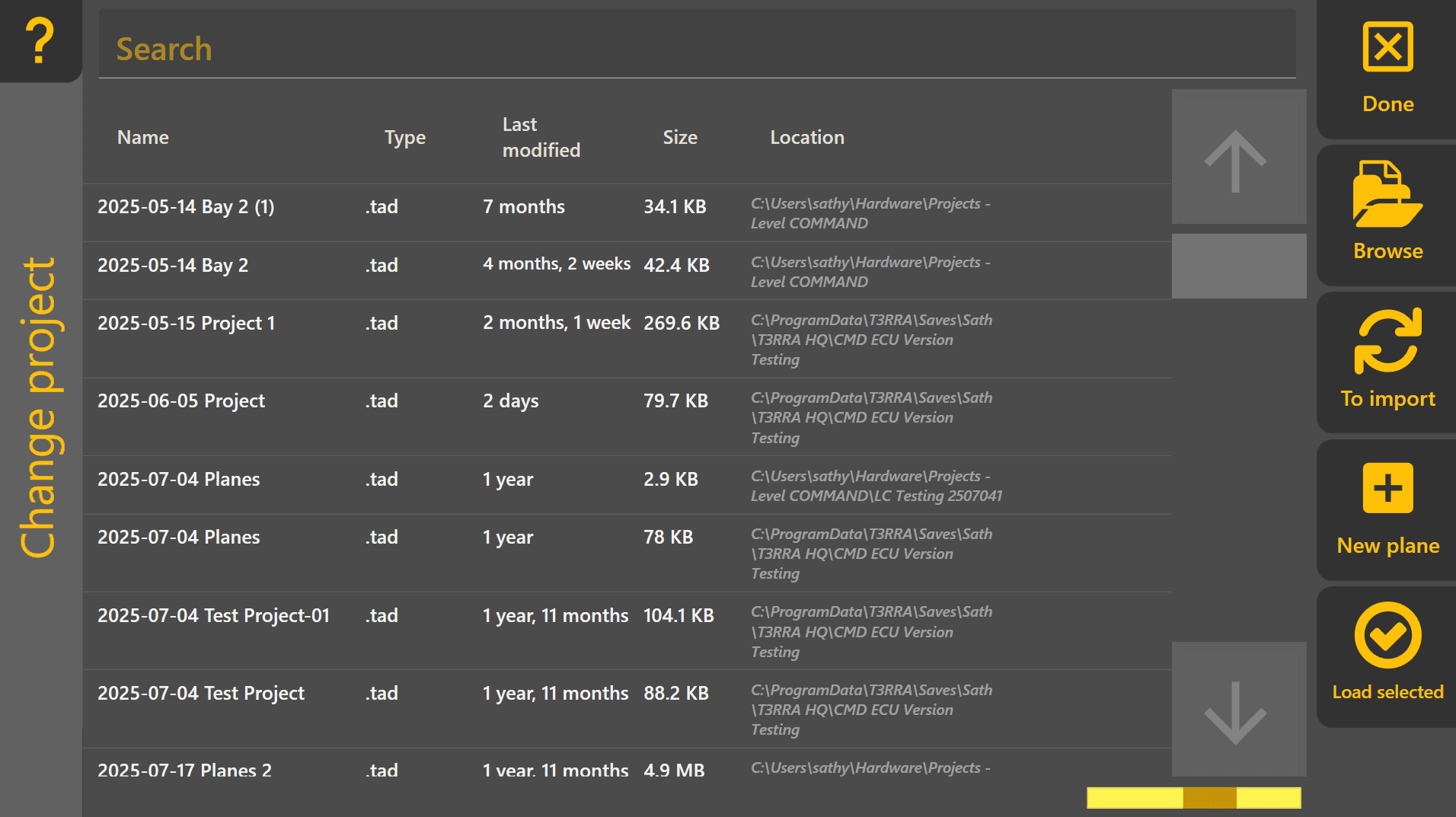
Importing External Design Data
To import new design data into Level COMMAND:
- Press More → Import Data.
- Select the desired design file.
- Press Import Selected.
- Once complete, load the imported project if it does not open automatically.

Imported data becomes part of a Level COMMAND .tad project and can then be used like any other project.
Imported Project Features
Depending on how the project was created, imported data may include:
- Design surfaces
- Existing terrain surveys
- Benchmark Markers
- General Markers
- Boundaries
- Linework
- Additional project information
The available information depends on the design software used and the data exported.
Working with Imported Projects
Once loaded, imported projects are operated in the same way as any other project.
The operator may:
- Set Zero using a Benchmark Marker.
- Record additional surveys.
- Create new markers.
- Monitor cut and fill.
- Engage Automatic Control.
- Continue updating surveyed surfaces during grading.
Although imported projects may contain complex design information, the grading workflow remains exactly the same as described throughout this manual.
Operator Tip: If possible, review imported project data before arriving on site. Confirm that the expected design surface, benchmark locations and project features are present before beginning work. Discovering missing benchmarks or incorrect project data is far easier before the machine enters the field.
Continue to 5.6 | Surveying & Field Data Collection to learn how Level COMMAND records terrain data for design creation, project verification and future grading operations.