# 8.3 | Modern Case IH / New Holland / Trimble
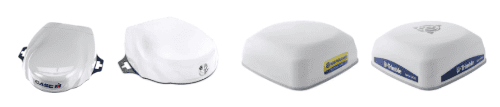
This section covers connection of Novatel-based GNSS receivers using a 12-pin Deutsch interface.
**Applicable to receivers including:** Case IH - Vector Pro
New Holland - PLM Cygnus
Trimble - AG-372, AG-392, NAV-900
Steyr - S-Guide
[](https://docs.t3rra.com/uploads/images/gallery/2026-07/NYR6G2QZm2Kn3gr7-image.png)
## Parts Required
- **BPF11284 - **Front Extension Harness (10m)
- **PF81137 - **Implement Pigtail Terminator Wiring Harness
- **T3H-G002** - COMMAND Impl Adapter - NAV-900
- **T3H-S001** - COMMAND Impl Adapter – Stub Junction
- **Optional - T3H-G001 / T3H-G007** - COMMAND NMEA Extension Harness
- Only required if using NMEA 0183 Serial for GNSS data.
## Connection Process
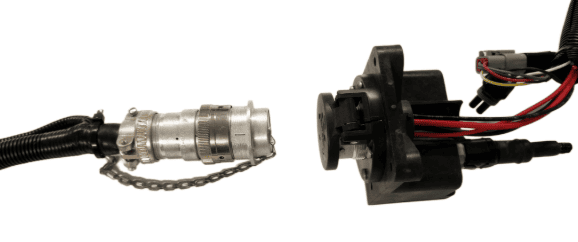
1\. Connect the John Deere Front Extension Harness to the ISOBUS breakaway connection.
2\. Route along the implement, allowing slack at pivot points and avoiding snag hazards.
[](https://docs.t3rra.com/uploads/images/gallery/2025-07/AsF8TBsTh5FtRUiE-image.png)
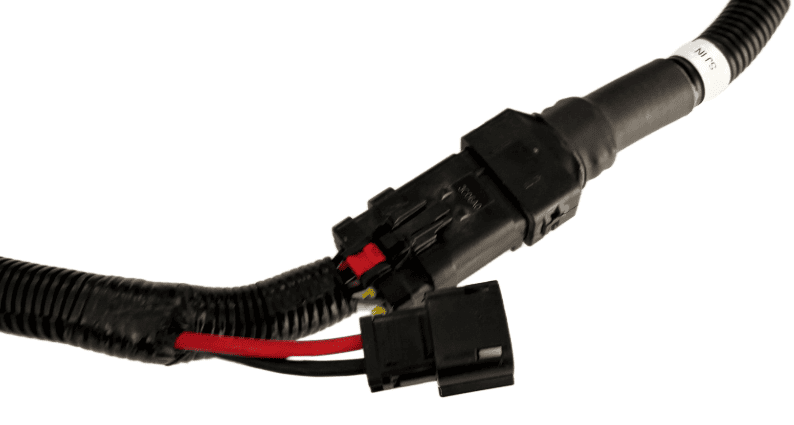
3\. Connect the **T3H-S001** adapter to the Front Extension Harness.
[****](https://docs.t3rra.com/uploads/images/gallery/2025-07/SuU4oxt2DKiArihK-image.png)
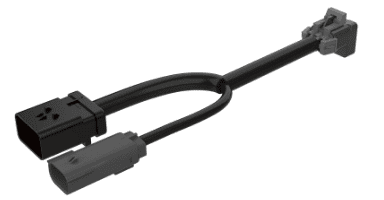
4\. Connect the Implement Pigtail Terminator to the **T3H-S001** adapter and secure the terminator to the implement receiver wiring harness.
[](https://docs.t3rra.com/uploads/images/gallery/2025-07/xGDljli6p8S80NtF-image.png)
5\. Connect the **T3H-G002** adapter to the **T3H-S001** adapter.
[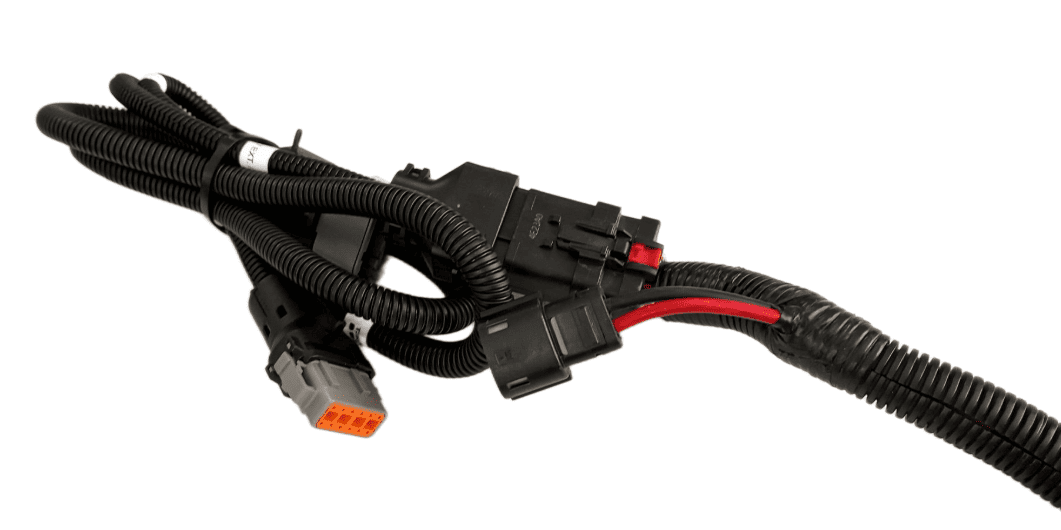](https://docs.t3rra.com/uploads/images/gallery/2025-07/JKqGyH4UW8wofgXl-image.png)
6\. Connect the **T3H-G002** adapter to the appropriate GNSS receiver port.
7\. If using NMEA 0183 Serial, also connect the NMEA extension harness to the **T3H-G002**, then connect the other end to the **T3H-C002** ECU breakout harness.
**Verify:**
\- Receiver powers on